


Company announcements and policies for every employee
Important news gets lost in group chats, and new hires do not know where the latest SOP is kept. Stavis keeps the two apart: announcements appear in the company feed, and policies are stored as official documents. Every employee can open them at any time.
What you can do
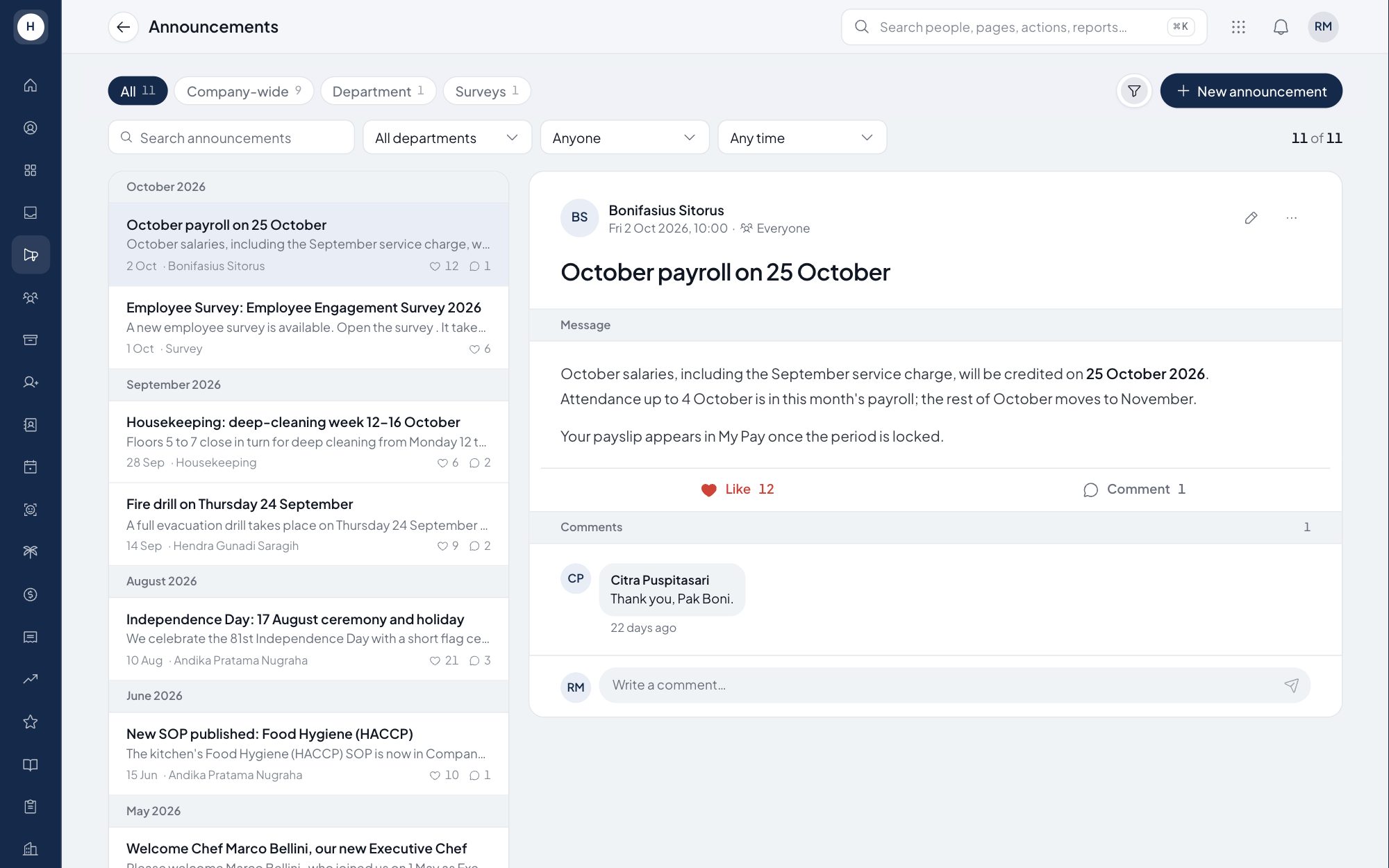
Targeted announcements
Write announcements in rich text and send them to the employees they are meant for. They appear in the company feed.
Feed with comments
Employees can like and comment on announcements, so questions are answered in the same place.
Policies as official documents
Each policy gets an automatic code such as POL-001, a title, a department section, a body and one PDF or image attachment.
Print to PDF
Policies display in an official-document layout and print to PDF. Every create, edit and delete is written to the audit log.
How it works
- 1
HR writes
Create an announcement for time-bound news, or a policy for standing rules such as a workplace safety SOP.
- 2
Publish
Announcements go to the feed of the employees you target. Policies appear right away in the Policy menu for every employee.
- 3
Employees read
Employees open the feed or the Policy menu, read, comment on announcements, and print a policy when needed.
Frequently asked questions
What is the difference between announcements and company policies?
Announcements are news items in the company feed. Policies are rule documents that stay available until HR removes them.
Can I send an announcement to one department only?
Yes. Announcements can be targeted to specific employees, while policies are always readable by every employee.
Can company policies be printed?
Yes. Every policy displays in an official-document layout and can be printed or saved as PDF from the browser.
Does the system track which employees accepted a policy?
Not yet. Policies currently work as reference documents every employee can read, without acceptance tracking.
See Stavis with your own company
Bring one department, one shift pattern and one month of payroll. We will walk through it with you.
